
What features does Time8 offer?
Time8 works in two modes. Most features are in both. In Solo you build the schedule yourself, while employee accounts and the time-off requests they submit come with the Team plan.
Team calendar
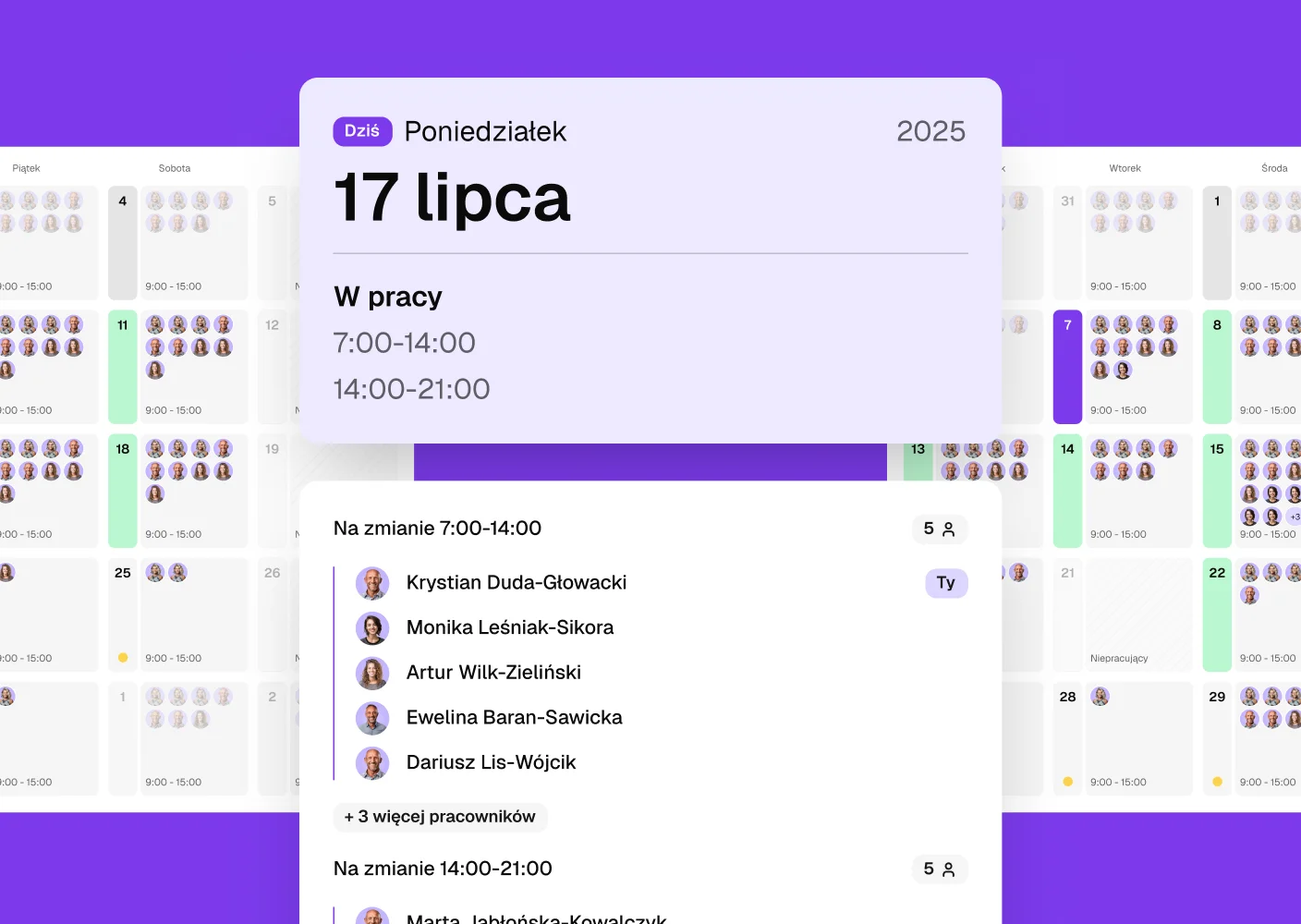
One place shows who is available and who is out today. Time off, sick leave and attendance are no longer scattered across emails and calendars. The whole team sees the same, current information, which makes planning the day easier and avoids misunderstandings.
Time-off requests and sick leave
Absences are reported and visible without extra messages. You immediately see who is available on a given day and who is on leave or off sick. Everything is in one place, so you can plan work around the people you actually have.
Work schedule
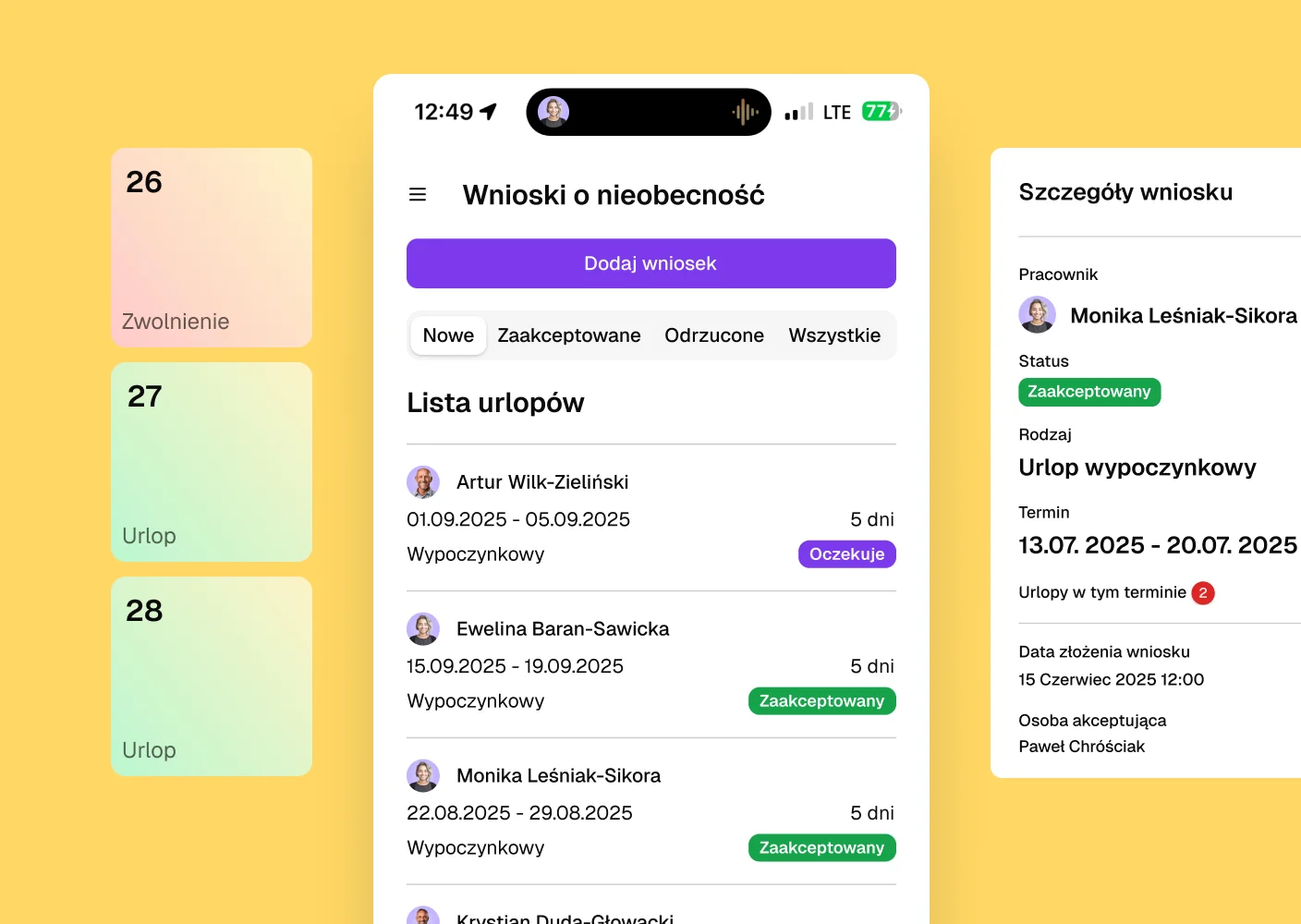
The team schedule always lives in one place and can be updated as you go. Changes, cover and shifts show up the moment you enter them. Employees know when their shift starts, and they can send their availability in the same tool. It makes day-to-day organisation easier for everyone.
Email notifications
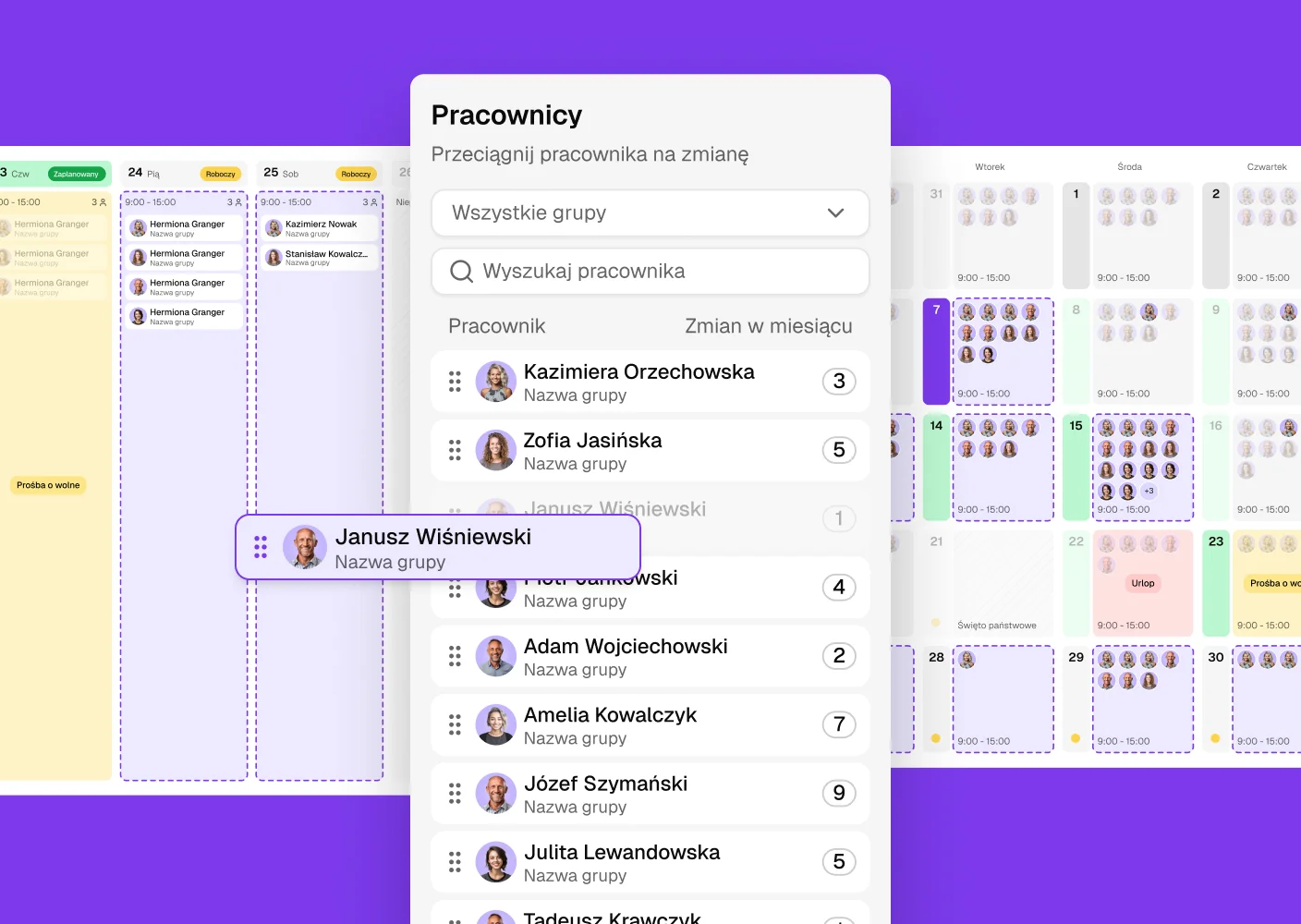
In the Team plan people are told when something actually changes. Notifications reach the people a change concerns. You keep better control of the whole schedule, and employees stay up to date.
Convenient access from your phone
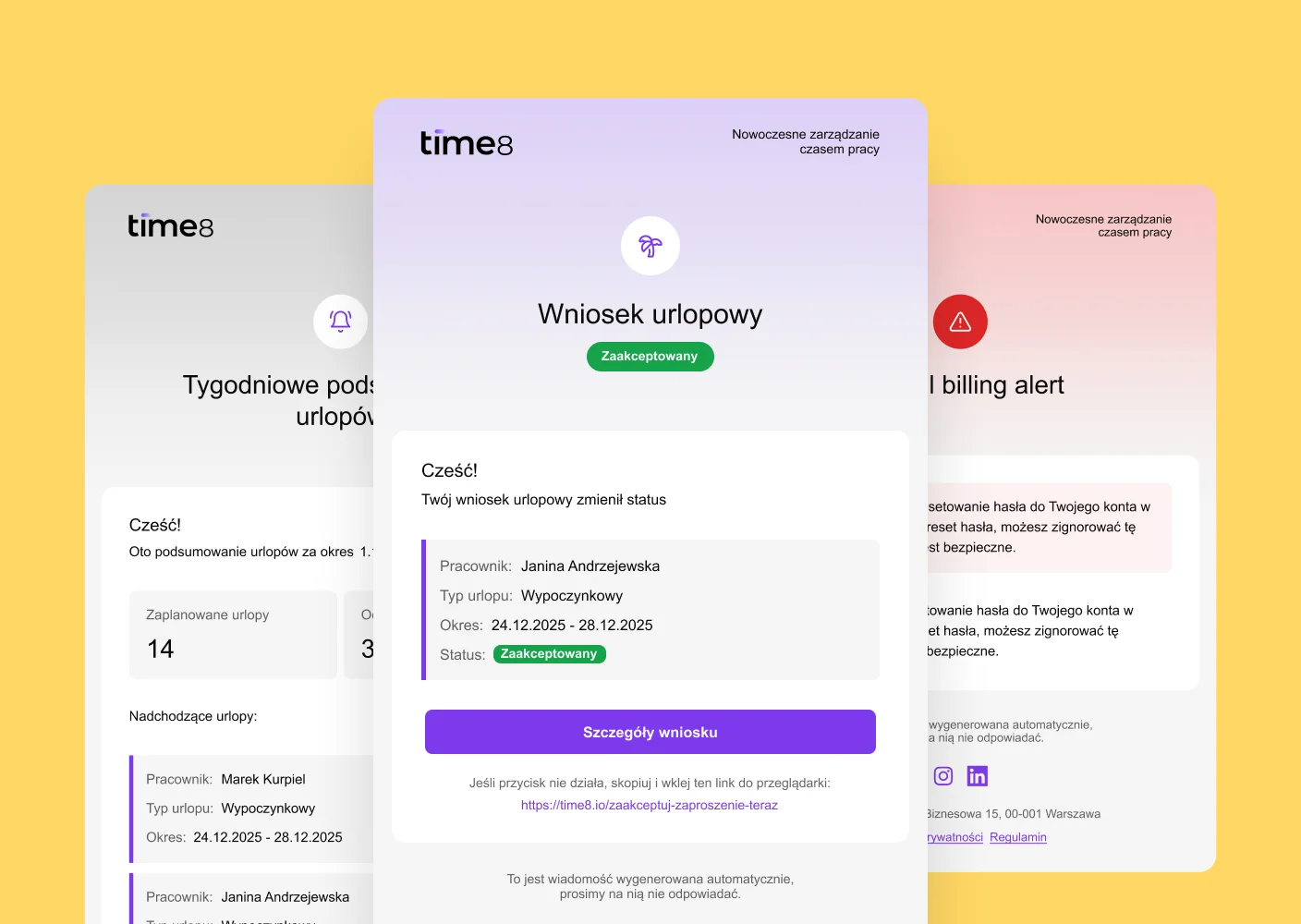
The team can check the schedule or send their availability straight from their phone. Everything they need is at hand, without signing in on a computer. Nobody has to ask or confirm anything.
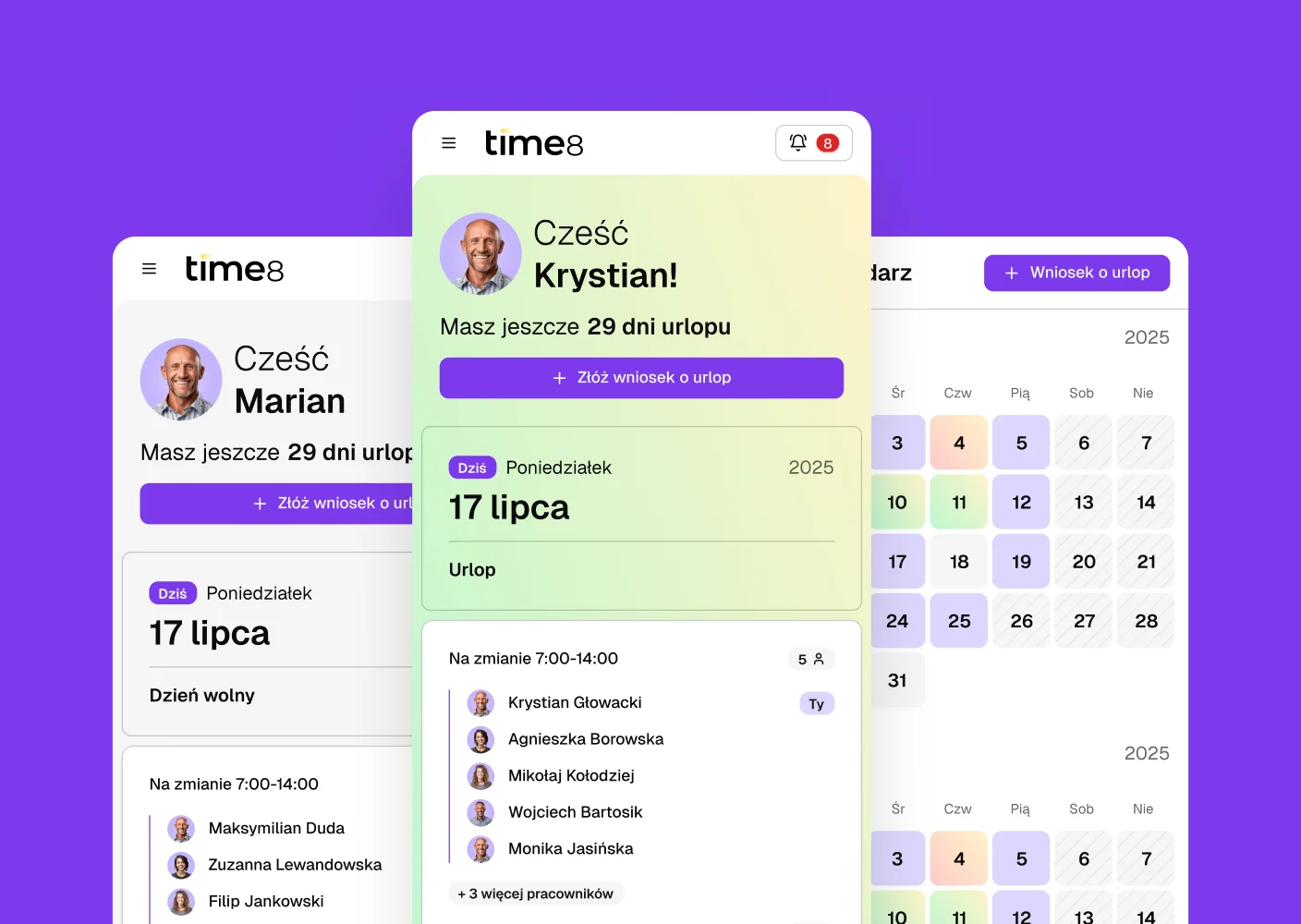
Roles
Everyone on the team sees only what they need for their work. The administrator assigns roles and matches permissions to responsibilities. The manager builds and edits the schedule, while an employee only sees the current version.
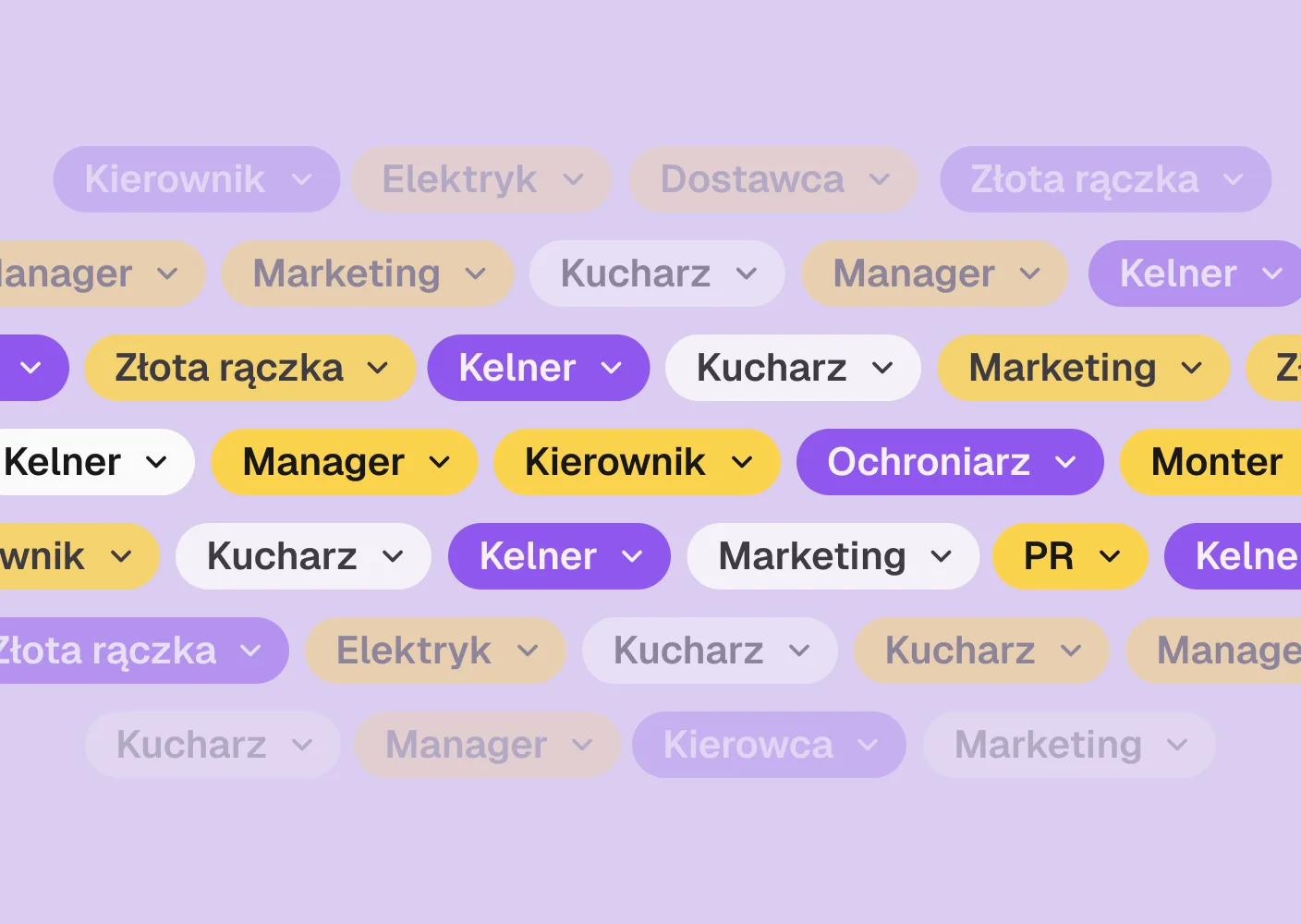
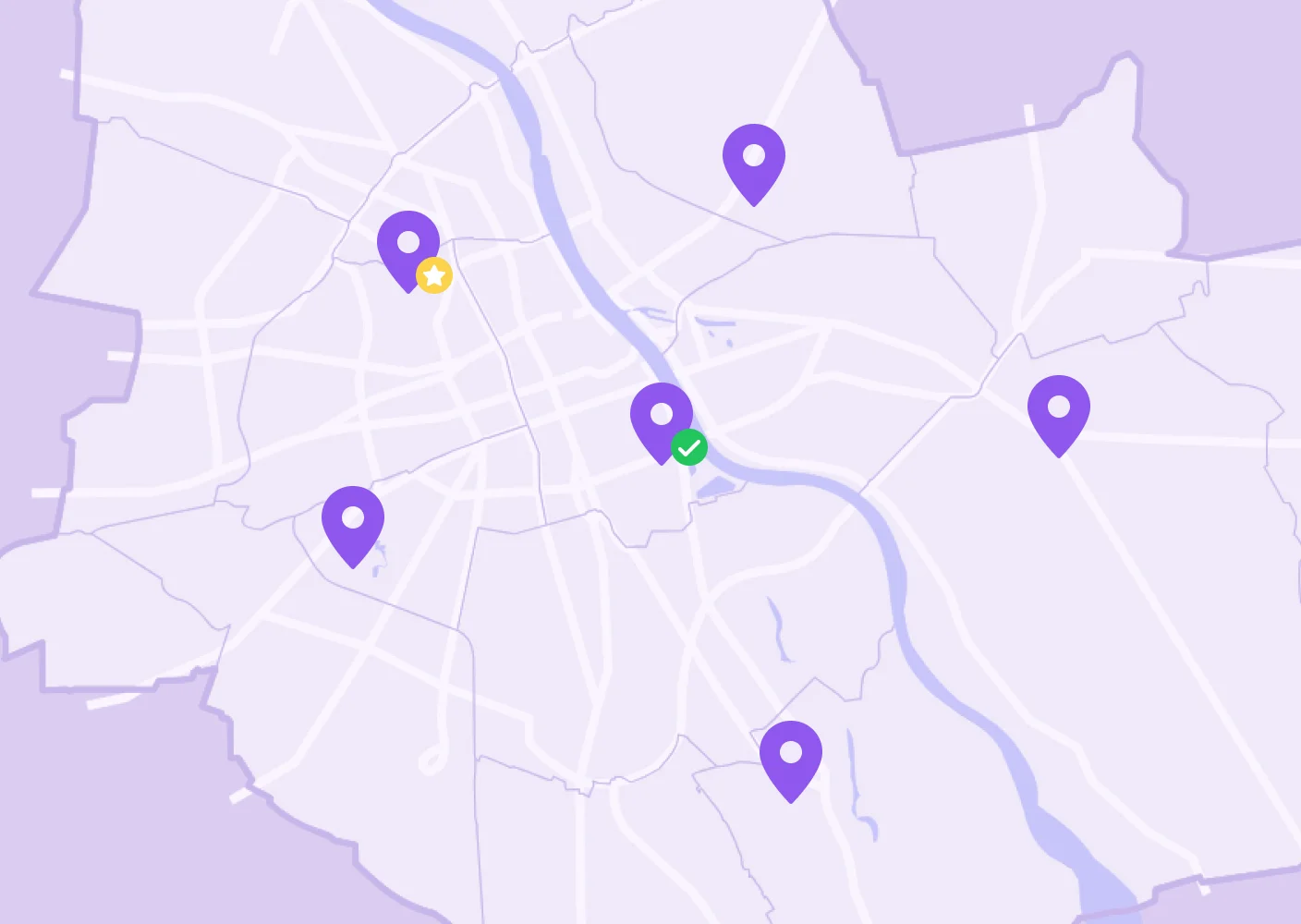
Multiple schedules and locations
Running several schedules or several venues? You manage it all from one place. You can keep many schedules in one location or separate schedules for different places, without switching between files and accounts.
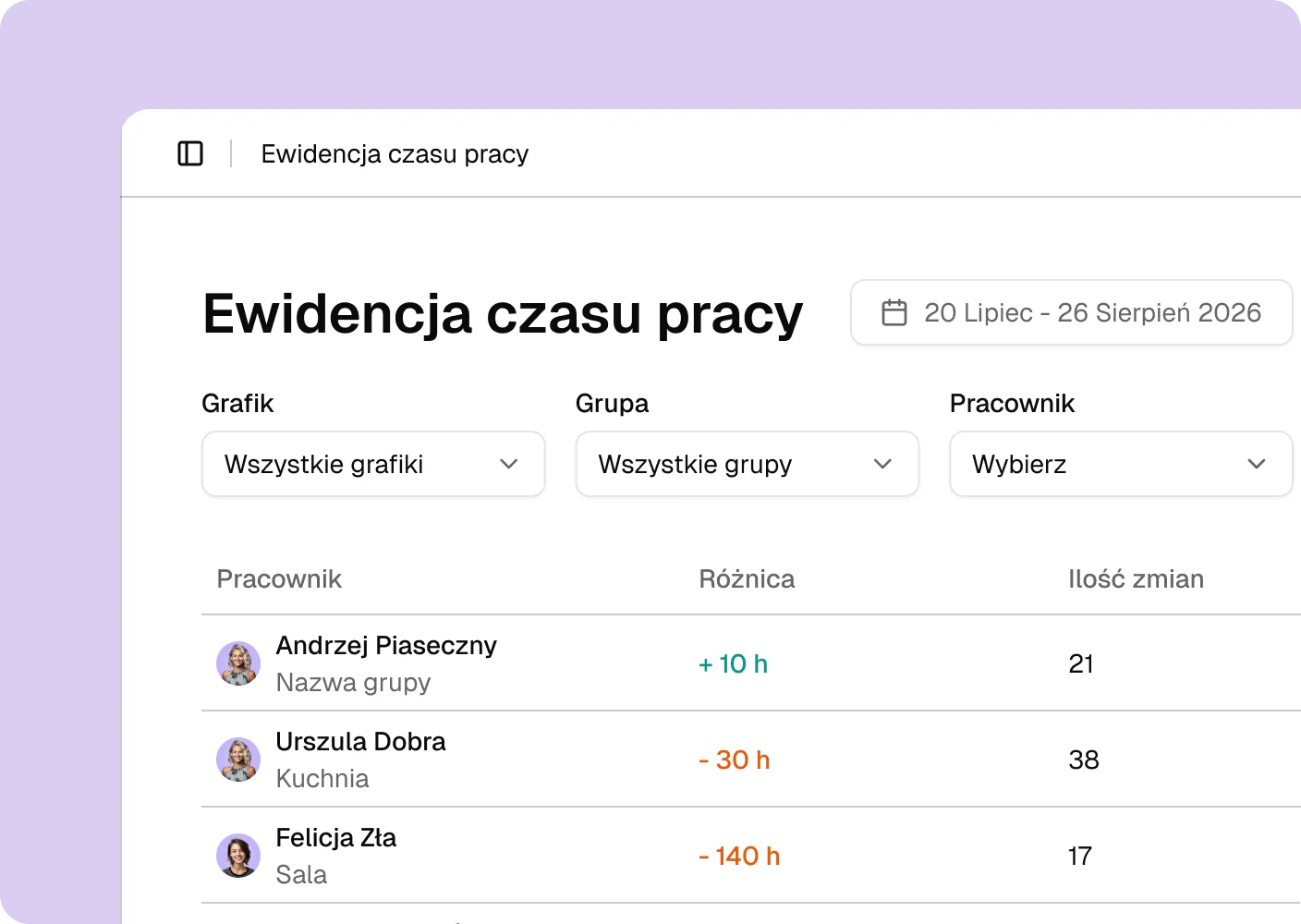
Work time records
Time8 counts work time from the schedule you built, so you do not add anything up by hand. You see how much each person worked in a period, and at the end of the month you export a finished summary in one click. Instead of an evening with a calculator, everything is counted in one place.
Schedule by link
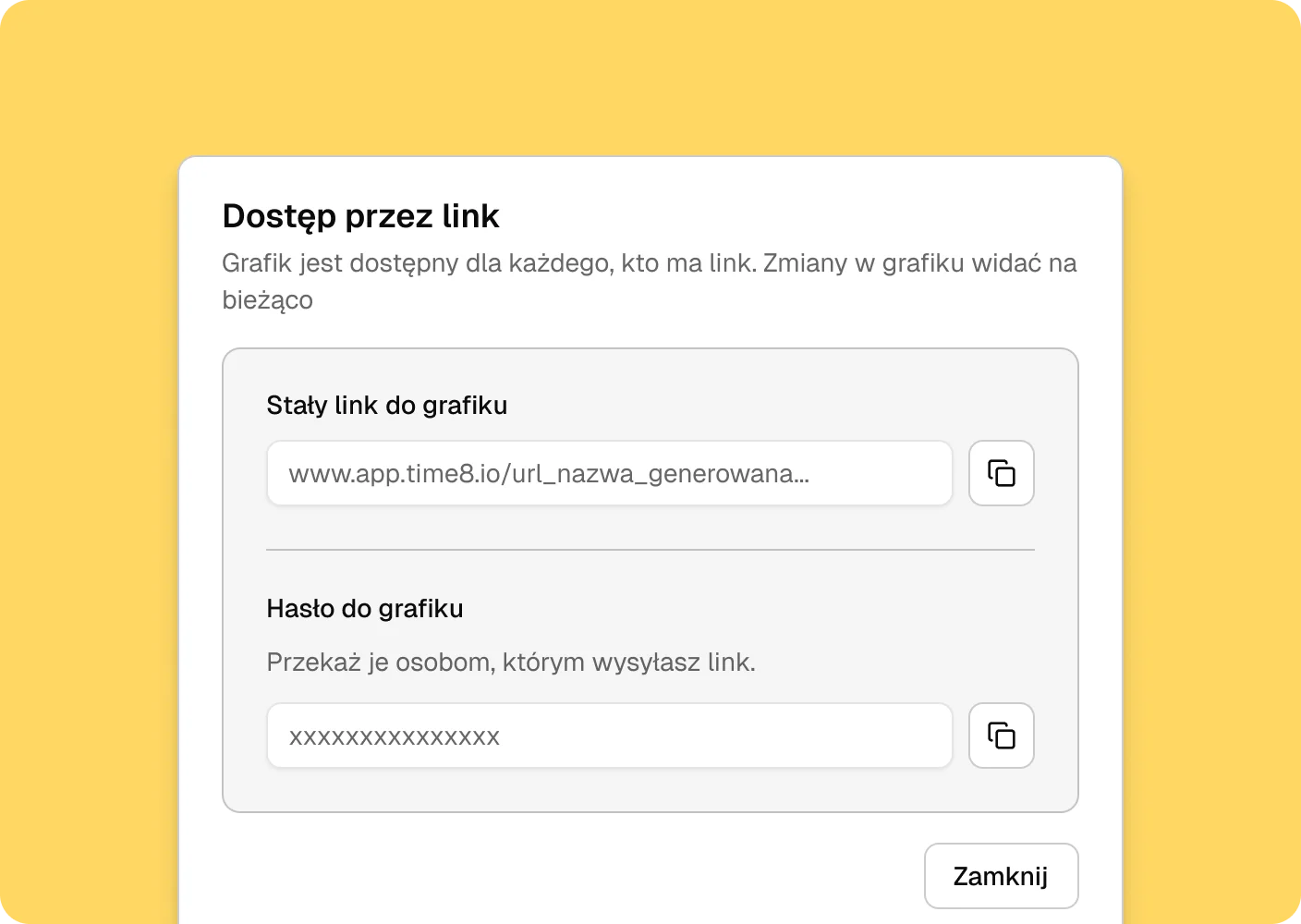
Employees do not need a Time8 account to see the schedule. You publish it and send them a password-protected link. It works well for seasonal staff and anyone who does not sign in anywhere anyway. Send the link wherever you like, in a group chat or a message.
Mobile app
Coming soonThe app keeps information about the team's work always at hand. Employees check the schedule and send their availability straight from their phone. Everything you need is in one app on your phone.
Frequently asked questions
If you're wondering whether Time8 is right for your team, you'll find specific answers here.
Everyone on the team can see the calendar with attendance and absences. Detailed data, like reasons for absence or leave balance, are only visible to people with the appropriate permissions.
Yes. You define the types of leave and days off that apply in your organization. You can customize them to your internal rules without any restrictions.
Yes. Each user can view their leave balance — they can see how many days they have left, how many they've used, and how many are planned.
Yes. An employee can send a leave request directly from the app. The manager gets a notification and can approve or reject it.
No. You decide what the work week looks like in your team. You can set your own working days, shifts, and work hours.